


Turnkey WordPress Websites: A Practical Path to Launch
by in Turnkey & Ready-Made WordPress Websites onTurnkey WordPress Websites: A Practical Path to Launch
A turnkey WordPress website is a ready-to-customize online presence supplied with the essential components needed for a fast launch. Instead of beginning with a blank installation, you receive a coordinated package that may include hosting, WordPress setup, a responsive design, essential pages, plugins, security settings, and support. The exact contents vary by provider, so careful evaluation matters.
This approach suits entrepreneurs, local businesses, consultants, creators, charities, and organizations that want a professional website without managing every technical decision alone. It can reduce setup friction, shorten the time between planning and publishing, and provide a reliable foundation for future growth. However, turnkey does not mean completely automatic. Your results still depend on content quality, brand clarity, maintenance, accessibility, and a sensible launch plan.
The strongest solution balances speed with ownership. It should make publishing easy while allowing you to edit pages, connect analytics, add services, and change the visual direction when your business develops. Before buying, identify what is included, what remains your responsibility, and how easily you can move the site if circumstances change.
What a Turnkey WordPress Website Includes
A complete package commonly begins with a WordPress installation configured for ordinary business use. The provider may connect your domain, activate hosting, install a theme, create navigation, and configure basic settings. Some packages also include a staging environment, backups, performance tools, search engine controls, contact forms, and introductory training.
Core website elements
Most useful packages contain a homepage, an about page, a services or products page, a contact page, and a privacy page. These pages are not merely placeholders. Each should have a clear purpose, readable copy, appropriate calls to action, and a logical route toward contacting or buying from you.

A responsive layout is essential because visitors use phones, tablets, laptops, and large screens. The design should preserve readable text, usable buttons, sensible spacing, and accessible menus across those environments. Ask whether the design is genuinely editable or locked inside a proprietary system.
Themes and page builders can accelerate customization, but they also introduce differences in flexibility, performance, and learning difficulty. A lightweight theme with familiar editing controls may be more valuable than a visually elaborate template that is difficult to maintain. Demonstrations should show the administrator experience, not only polished public pages.
Functional features
Depending on your needs, the package might include appointment scheduling, ecommerce, membership tools, email signup, maps, testimonials, galleries, or forms. Do not accept every available feature automatically. Each plugin adds another component to update, configure, and secure. Choose functions that support a specific visitor task or business process.
Clarify licensing. Some providers purchase premium themes or plugins under a shared license, while others assign a license to your account. If you cancel service, determine whether the software remains active, whether updates continue, and whether you can purchase an individual license.
Why Businesses Choose the Turnkey Approach
The main attraction is reduced complexity. A new owner does not need to research hosting, compare themes, troubleshoot installation, or coordinate several freelancers before publishing. One provider can often manage the initial system, allowing you to concentrate on offers, messaging, photography, and customer relationships.
Speed is another advantage. A predefined framework makes decisions easier. Instead of debating every color, layout, and plugin, you start with a tested structure and adjust the elements that matter most. Faster publication can help a business establish credibility, collect inquiries, and learn from real visitor behavior sooner.
Cost predictability can also be valuable. A package may combine several services into one price, simplifying budgeting. Yet a low starting price can conceal renewal fees, content charges, transaction costs, premium licenses, or required support plans. Compare the total cost over the first year and later renewal periods, not just the promotional amount.
Turnkey websites can support consistency. When one team handles design, setup, and configuration, the visual system and technical foundation are less likely to conflict. This is particularly helpful for owners who have limited technical confidence or no internal web specialist.
The tradeoff is that convenience may reduce choice. A package built for restaurants may not suit a legal practice, a complex catalog, or a community with unusual workflows. Treat the template as a starting point, not proof that the provider understands your audience. Request examples from businesses with similar goals and content requirements.
Choosing the Right Package
Begin with a written brief. State your audience, primary action, services, locations, required integrations, content sources, launch date, and expected future changes. This brief turns vague promises into a practical comparison.
Evaluate ownership and access
You should control your domain registration, hosting credentials, WordPress administrator account, content, media, and analytics properties. A provider may manage technical tasks without withholding access. If access is restricted, ask why and request a clear exit procedure.
Review the contract for export rights. Confirm whether you can download a database, media library, and written content. A site that looks affordable but cannot be transferred may create expensive dependence later. Also check who owns custom copy, photography, illustrations, and code created for the project.

Check service boundaries
Ask who supplies the text, images, logo, legal pages, product data, and translations. Find out how many revision rounds are included, how requests are submitted, and what response time applies. “Setup included” may mean importing your finished materials rather than creating them.
Identify ongoing responsibilities. Some plans include updates, backups, monitoring, and security assistance; others leave everything to you. Neither model is automatically wrong, but the responsibilities must be visible. A business owner should know exactly what happens when a plugin conflicts with a theme or a backup needs restoration.
Test usability
Request a short demonstration of editing a heading, replacing an image, adding a page, and changing a menu item. A website is only turnkey if ordinary updates are practical for the people who will use it. Also test forms, checkout steps, appointment requests, and email notifications before launch.
Building a Strong Website from the Foundation
A ready-made site becomes persuasive through relevant content. Begin with visitor questions: What do you offer? Who is it for? Why should someone trust you? What happens after they inquire? Answer these questions quickly, using plain language and concrete examples.
Create focused pages
Give each page one primary job. A service page should explain the problem addressed, the process, expected outcomes, important limitations, and next step. An about page should establish credibility without becoming a long autobiography. A contact page should make reaching you easy while setting realistic expectations about response times.
Use headings that communicate meaning, descriptive links, and short paragraphs. Replace vague phrases such as “learn more” with action-oriented wording that tells visitors what they will find. Add captions or nearby explanations when images carry important information.
Establish a visual system
Choose a limited palette, readable typefaces, consistent button styles, and image treatments that reflect your audience. A professional appearance does not require elaborate effects. Strong hierarchy, generous spacing, clear contrast, and authentic imagery usually create more confidence than excessive animation.
If stock photography is used, select images that support the message rather than merely filling empty space. Confirm that you have permission to use every asset. Compress large files, provide meaningful alternative text when needed, and avoid adding decorative images that distract from the main task.

Prepare for conversion
A conversion may be a phone call, purchase, booking, donation, subscription, or completed inquiry form. Select one primary action for each important page. Repeat it naturally after relevant information, but do not surround every paragraph with competing buttons.
Measure meaningful actions rather than vanity signals alone. Analytics can reveal visits and traffic sources, while form submissions, purchases, calls, and booked appointments show whether the website supports business goals. Configure tracking carefully and respect applicable privacy requirements.
Performance, Security, and Accessibility
Speed affects comfort and usability. Start with efficient hosting, a suitable theme, compressed images, limited scripts, and sensible plugin choices. Do not assume that a caching plugin alone solves every performance issue. Test important pages on realistic mobile connections and inspect the elements that delay interaction.
Security is an ongoing practice. Use strong, unique passwords, multi-factor authentication where available, limited administrator accounts, reputable extensions, current software, and dependable backups. Updates should be applied through a planned process rather than ignored until a problem appears. A backup is useful only if restoration has been considered and occasionally tested.
Accessibility benefits everyone, including visitors using keyboards, screen readers, zoom, or alternative input methods. Maintain sufficient color contrast, label forms clearly, preserve logical heading order, provide keyboard access, and avoid autoplay media. Accessibility is not merely a technical checklist; it is a way to remove unnecessary barriers.
Privacy requirements depend on your location, audience, and activities. Consider what data forms collect, where it is stored, which services receive it, and how long it is retained. Provide accurate notices and obtain appropriate consent when needed. Seek qualified legal advice for obligations that materially affect your organization.
A Sensible Launch Process
Step one: Confirm the foundation
Choose the domain, hosting arrangement, administrator roles, business email approach, and essential integrations. Record credentials securely and keep ownership details separate from a single employee or contractor.
Step two: Prepare content
Gather approved text, logos, photographs, product information, prices, policies, testimonials, and contact details. Mark anything uncertain instead of publishing accidental filler. Content delays are among the most common reasons a technically finished site cannot launch.
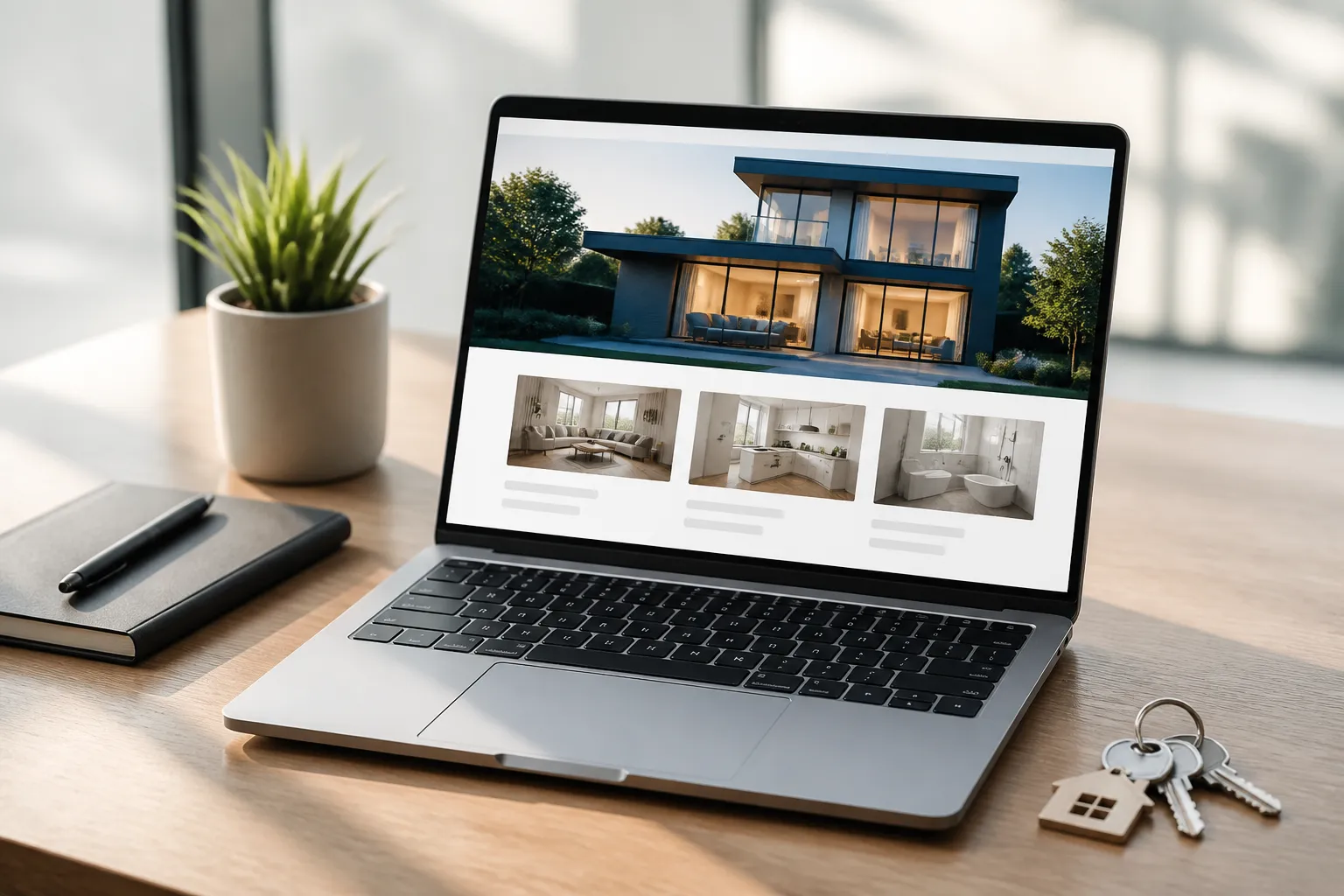
Step three: Customize and review
Apply brand elements, revise template language, check every link, and verify that pages answer real visitor questions. Review on phones and computers. Invite someone unfamiliar with the project to complete the primary task without assistance.
Step four: Test operations
Submit forms, test notifications, inspect confirmation messages, check payment or booking flows, and confirm analytics events. Review loading behavior, redirects, search visibility settings, social previews, and legal links. Keep a list of defects and resolve high-impact issues first.
Step five: Publish and improve
Launch during a period when someone can monitor inquiries. Announce the website through suitable channels, then observe questions and errors. Improvements should follow evidence: clarify confusing copy, simplify forms, strengthen weak calls to action, and update outdated information.
Common Mistakes to Avoid
The first mistake is choosing a package solely because it is cheap. A low price cannot compensate for missing ownership, poor support, unsuitable functionality, or difficult editing. Compare value, not headline cost.
The second is treating the demo as the finished result. Templates often use polished photography and unusually short text. Your real content may require different layouts, longer explanations, translations, or stronger privacy controls. Test the actual workflow with representative materials.
The third is installing too many plugins. Every addition should have a purpose, a maintenance plan, and a compatibility rationale. Remove unused extensions and avoid duplicate tools that perform overlapping jobs.
The fourth is neglecting maintenance after launch. Content becomes outdated, contact details change, software requires updates, and threats evolve. Assign responsibility, schedule reviews, and maintain current backups.
The fifth is confusing search visibility with instant traffic. WordPress settings can help search engines understand a site, but visibility also depends on useful content, technical quality, reputation, competition, and sustained effort. Avoid providers promising guaranteed positions or effortless results.
Frequently Asked Questions
Is a turnkey WordPress website suitable for a beginner?
Usually, yes, when the package includes clear editing tools, onboarding, and accessible support. Beginners should still learn basic tasks such as changing content, managing users, reviewing form submissions, and checking backups. A short training session can prevent avoidable dependence.
How quickly can one launch?
Timing depends on content readiness, customization, approvals, integrations, and provider workload. A simple site can move quickly when decisions and materials are prepared. Complex ecommerce, booking, multilingual, or membership projects require more testing. Ask for milestones rather than relying on a broad promise.
Can the design be customized later?
Often, yes, but the extent varies. Confirm whether you can change layouts, typography, colors, templates, and functionality without replacing the entire system. Ask whether custom work will remain compatible with future theme or plugin updates.
Is hosting included?
Some packages include hosting, while others require you to purchase it separately. Review storage, traffic limits, email arrangements, backups, support, renewal prices, and migration terms. Hosting should match your site’s practical needs, not simply the cheapest advertised tier.
Who writes the website content?
Responsibilities differ. You may supply final copy, receive editing assistance, or purchase professional writing separately. Clarify whether research, revisions, accessibility review, and factual verification are included. Your business remains responsible for approving claims and policies.
Can I move the website to another provider?
A well-structured WordPress site can often be migrated, but themes, licenses, hosting configurations, and proprietary features may complicate the process. Obtain written confirmation about exportable files, database access, domain control, and assistance fees before signing.
What maintenance is necessary?
At minimum, review updates, backups, security, forms, links, contact details, and content regularly. The right schedule depends on activity and risk. Ecommerce or membership sites need closer operational monitoring than a simple informational site.
Will a turnkey site rank well in search results?
No package can guarantee rankings. A sound technical foundation helps, but useful content, clear information architecture, mobile usability, trustworthy references, and ongoing improvement matter as well. Treat search visibility as a continuing process rather than a launch feature.
What should I ask during a sales call?
Ask what is included, what costs extra, who owns the assets, how cancellation works, how support is delivered, what happens after launch, and whether you can edit and export the site. Request examples, written scope, renewal pricing, and realistic limitations.
Conclusion
Turnkey WordPress websites offer a practical route to a credible online presence when speed, simplicity, and coordinated setup matter. Their value lies not in removing every decision, but in organizing the important ones: ownership, content, usability, functionality, security, performance, and ongoing care.
Choose a package that matches your actual audience and workflow. Confirm access and migration rights, test the editing experience, define responsibilities, and budget for maintenance. Prepare purposeful content rather than accepting generic template wording. Before launch, test every important journey, from reading a service page to completing a form or purchase.
A ready-made foundation can give a small organization momentum without forcing it to become a web development company. With thoughtful customization and consistent improvement, it can grow from a fast launch into a dependable business asset. The best turnkey website is therefore not simply the one that goes live fastest; it is the one that remains useful, manageable, trustworthy, and adaptable long after launch.
WP AI Autoblogging Beginners Guide

Best WordPress AI Autoblogging Plugin

WP Learning 101

Free YouTube Backlink Generator Software

Latest Product


