


Turnkey WordPress Websites: A Faster Path Online
A turnkey WordPress website is a ready-to-launch digital foundation prepared for a specific business, organization, or professional. Instead of beginning with an empty installation, you receive a coordinated package that can include design, page structure, responsive layouts, essential settings, content areas, contact forms, security measures, analytics connections, and launch support. The goal is simple: reduce technical friction so you can begin presenting your offer and serving visitors sooner.
This approach is especially useful for owners who understand their market but do not want to become part-time designers, developers, copywriters, and maintenance technicians. A well-planned turnkey site does not merely look finished. It gives visitors a clear path from arrival to action, while giving the owner manageable tools for updating information afterward.
The strongest solutions balance speed with suitability. A prebuilt website should not force your business into someone else’s identity. Colors, typography, imagery, navigation, page sections, calls to action, and content should be adapted to your audience. When customization is handled thoughtfully, the result feels purposeful rather than mass-produced.
What You Receive
A turnkey package can vary considerably, so examine the scope before purchasing. A typical package may include WordPress installation, a selected theme or custom design system, homepage development, internal pages, mobile optimization, basic search visibility settings, form configuration, and publishing assistance. Some providers also include domain guidance, hosting setup, performance tuning, cookie notices, accessibility improvements, and introductory training.
The practical value lies in coordination. If separate contractors handle design, development, writing, and launch, important details can fall between responsibilities. A single turnkey process can connect the visual presentation to the page structure and connect both to your business objectives. That continuity reduces avoidable revisions and gives you one place to ask questions.

However, “ready-made” should never mean “one size fits all.” Confirm how many pages are included, whether text and images are supplied, which plugins are licensed, how revisions work, and what happens after launch. Ask whether you own the website files and content. Clarify recurring charges, renewal terms, support hours, and the process for moving the site to another host.
Core Components
A useful turnkey website commonly contains a homepage, an about page, service or product pages, a contact page, legal-information areas, and a blog or resource section when regular publishing supports the strategy. The homepage should explain who you help, what you provide, and why a visitor should continue. Service pages should answer practical questions, address concerns, and present a clear next step.
Navigation deserves equal attention. Menus should use familiar labels and avoid making visitors guess where information belongs. Calls to action should match the visitor’s stage. Someone exploring may want to read a guide, while a ready buyer may want a quote, booking form, or checkout option. Effective structure respects both audiences.

Forms should request only information you genuinely need. Shorter forms often feel easier to complete, but some businesses require qualifying details. Explain why requested information matters, provide useful confirmation messages, and route submissions reliably. Test every form on desktop and mobile before launch.
Why Businesses Choose Turnkey Websites
The most obvious advantage is efficiency. A prepared framework removes many early decisions, allowing you to focus on positioning, offers, and customer communication. This can be valuable when a new business needs a credible presence quickly or an established company must replace an outdated site without interrupting normal work.
A turnkey site can also make budgeting easier. A defined package gives you a starting scope and helps separate essential launch costs from future enhancements. You can publish core pages first, then add advanced features after learning how visitors respond. This staged approach protects resources while keeping momentum.
Consistency is another benefit. A coordinated design system can use the same spacing, button treatment, heading hierarchy, imagery style, and tone across every page. Consistency improves recognition and helps visitors understand how to interact with the site. It also simplifies future updates because new pages have an established visual language.
WordPress adds flexibility beyond launch. You can publish articles, create landing pages, add suitable integrations, and expand your site as needs change. That flexibility matters when your business evolves. A turnkey foundation should provide immediate usability without preventing future growth.
Speed Without Sacrificing Planning
Fast does not mean careless. Before construction begins, define the audience, primary offer, conversion action, required pages, preferred voice, and technical constraints. A brief discovery questionnaire can reveal whether the site must support bookings, payments, memberships, multilingual content, portfolios, directories, or complicated forms.
Create a content inventory as well. Gather logos, brand colors, photographs, service descriptions, pricing information, testimonials that you are permitted to publish, contact details, policies, and social links. Missing materials often cause greater delay than development itself. Supplying accurate assets early helps the provider build a more coherent result.
Set approval checkpoints. Review a sitemap before visual design, review a homepage concept before all pages, and test a working version before final publication. Structured approvals prevent small misunderstandings from becoming expensive rework.

Choosing the Right Package
Compare providers by outcomes, not by the number of decorative features listed. A large collection of animations does not compensate for unclear messaging, slow pages, or difficult editing. Look for evidence of thoughtful information architecture, responsive behavior, accessible interaction, and practical support.
Ask to see relevant examples. A portfolio for restaurants may not demonstrate the provider’s ability to build a professional services site, online store, or membership community. Examine examples on a phone as well as a computer. Check whether menus, forms, images, and headings remain usable at smaller widths.
A Practical Evaluation Checklist
First, identify the main visitor action. Is it scheduling a consultation, purchasing an item, requesting a proposal, calling a local office, or subscribing to updates? The website should make that action visible without overwhelming people with competing options.
Second, inspect the editing experience. You should know whether pages use the WordPress block editor, a visual builder, or another system. Ask how easily you can change a heading, replace an image, add a service, or publish a post. A beautiful site that requires a developer for every minor edit may become costly.
Third, examine technical ownership. Confirm access to the WordPress administration area, hosting account, domain registration, premium plugin licenses, backups, and analytics property. Ownership and administrator permissions should be documented rather than assumed.
Fourth, investigate maintenance. WordPress core, themes, and plugins receive updates, and updates should be managed carefully. Ask who monitors compatibility, creates backups, addresses security issues, and restores the site if something fails. A launch package without a maintenance plan may leave you exposed later.
Fifth, read the agreement. Check delivery milestones, included revisions, accessibility expectations, privacy responsibilities, cancellation conditions, and support boundaries. Clear terms protect both parties and create a more constructive working relationship.
Design That Builds Trust
Design should guide attention, not merely decorate the screen. A strong visual hierarchy makes the most important information easy to find. Use readable type, sufficient contrast, descriptive headings, and generous spacing. Photographs should support the message and represent your actual service where possible. Generic imagery can be useful, but it should not create expectations your business cannot meet.
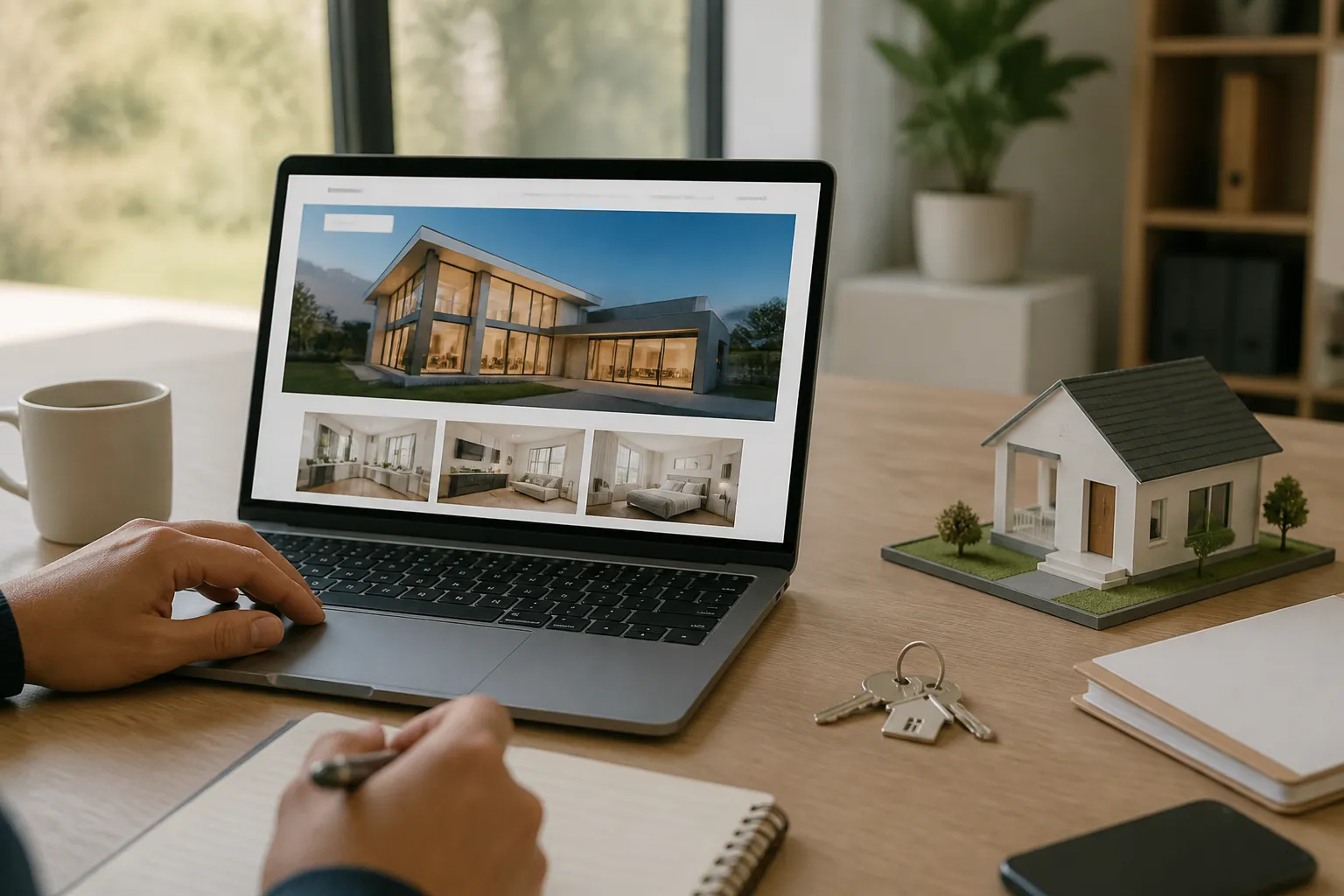
Trust also comes from specificity. Explain your process, service area, response time, qualifications, guarantees, limitations, or purchasing conditions when those details help visitors decide. Avoid vague claims such as “best” or “leading” unless you can substantiate them. Concrete language is more persuasive because it gives people something they can evaluate.
Mobile design is not an optional refinement. Many visitors will encounter your website on a phone, sometimes while distracted or using a slower connection. Buttons need comfortable touch areas, forms need sensible keyboard behavior, and important information should appear without excessive scrolling. Test real interactions, not just visual appearance.
Accessibility improves usability for everyone. Use meaningful link text, logical heading order, alternative text for informative images, captions when needed, and interfaces that can be navigated without a mouse. Do not rely on color alone to communicate status. Accessibility requirements vary by location and organization, so obtain appropriate professional advice when compliance obligations are significant.
Content and Search Visibility
A turnkey website should launch with useful content, not placeholder paragraphs. Each page needs a clear purpose and a focused subject. Write for the questions visitors actually ask: what is offered, who it suits, how the process works, what it costs or depends on, and what happens next.
Search visibility begins with relevance and clarity. Use descriptive page titles, concise headings, readable URLs, useful internal links, and original information. Organize related services and resources logically. Avoid repeating keywords unnaturally or publishing thin pages created only to attract visits. Search systems and human readers both respond better to genuinely helpful material.
Technical settings support, but do not replace, good content. A site may need an XML sitemap, appropriate indexing controls, structured information where relevant, image compression, secure connections, and a sensible redirect plan when replacing an older website. These tasks should be checked rather than assumed.
Analytics can show which pages attract attention and where visitors leave, but data requires interpretation. A high exit rate may be normal on a contact confirmation page and concerning on a service page. Define a few meaningful actions before launch, then review patterns periodically and improve the pages connected to those actions.
Launch and Handover
A controlled launch reduces surprises. Begin with a staging or preview environment when possible. Check every public link, form notification, phone number, email address, image, downloadable file, and legal page. Review spelling, dates, prices, opening hours, and service descriptions with the person responsible for business accuracy.
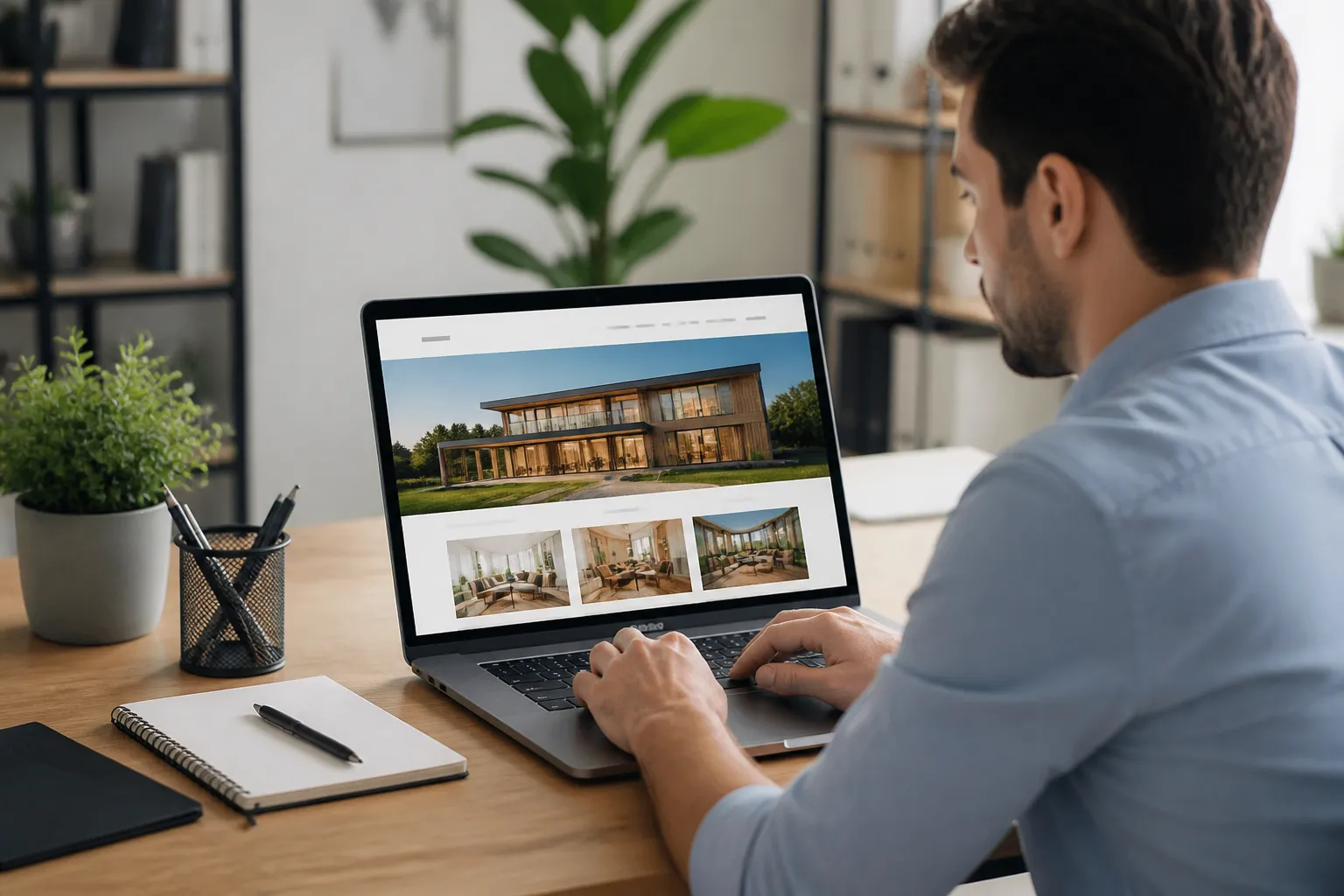
Test on current versions of commonly used browsers and on multiple screen sizes. Confirm that menus open correctly, content does not overflow, buttons remain visible, and forms display useful success or error messages. Test email delivery using real recipient accounts, while protecting private information during the process.
Before publication, create a backup and record access details securely. Confirm that the domain points to the correct hosting location and that the secure version of the site works consistently. Remove temporary passwords, demonstration content, unused accounts, and unnecessary plugins. If an old website exists, map important URLs and create redirects where appropriate.
Handover should include more than a login. Request a short guide explaining how to edit pages, publish posts, manage media, review form submissions, update menus, and perform routine checks. Ask for a list of installed plugins, renewal dates, backup arrangements, and support contacts. Knowledge transfer protects your independence.
Ongoing Care and Growth
A website is an operating asset, not a finished poster. Review your core pages when services, prices, policies, staff, locations, or contact details change. Outdated information weakens trust and can create practical problems for customers.
Schedule updates rather than applying them randomly during busy periods. Maintain current backups, test important functions after significant changes, and remove plugins that are no longer needed. Use strong unique passwords and limit administrator access to people who require it. Security practices cannot guarantee immunity, but they reduce avoidable risk.
Improve through evidence. If visitors read a service page but rarely contact you, clarify the offer, strengthen the next step, answer objections, or simplify the form. If a resource attracts attention, consider related content that helps readers move toward a relevant service. Small, focused improvements are often more manageable than a complete redesign.
Growth may involve adding an online store, booking system, membership area, multilingual content, integrations, or new landing pages. Plan extensions around real requirements. Every additional plugin introduces another maintenance consideration, so favor reliable tools with a clear purpose over collections of unnecessary features.
Frequently Asked Questions
Is a turnkey WordPress website fully custom?
Usually, it is customized from a prepared framework rather than created entirely from zero. The degree of customization depends on the package. Ask which visual, structural, and functional changes are included, and which require additional work.
How quickly can one launch?
Timing depends on content readiness, project complexity, revisions, hosting, and approvals. A simple brochure site can move faster than a store or membership platform. Supplying accurate materials and answering questions promptly generally helps, but a rushed launch should not skip testing.
Can I edit the site myself?
Most WordPress sites are designed to permit owner editing, but the experience varies by theme and builder. Request a demonstration before approving the project. Learn how to change routine content without altering layouts or settings accidentally.
Who owns the website?
Ownership should be defined in writing. Confirm that you receive access to your domain, hosting, WordPress installation, content, design files when applicable, and purchased licenses. Never assume ownership merely because your logo appears on the site.
Is hosting included?
Some packages include hosting, while others require you to provide it. Compare storage, backups, support, renewal pricing, performance expectations, and migration terms. A low initial price may not represent the lowest long-term cost.
What happens after launch?
Post-launch arrangements vary. You may receive a limited warranty, training session, maintenance subscription, or optional support hours. Ask how urgent faults are handled, how updates are performed, and what counts as a new feature rather than a correction.
Can the site support online payments?
WordPress can support payment functionality through suitable tools, but requirements differ by business model and location. Discuss taxes, currencies, refunds, customer accounts, payment security, shipping, and privacy before selecting an implementation.
Should I provide my own text and images?
Providing accurate source material usually improves authenticity and reduces assumptions. A provider can refine or organize it, but you remain responsible for confirming factual claims, permissions, prices, and legal statements.
How should I budget?
Separate initial construction from recurring hosting, domain renewal, premium licenses, maintenance, content production, marketing, and future development. Request an itemized proposal so you can compare genuine scope instead of comparing headline prices alone.
Conclusion
Turnkey WordPress websites offer a practical route to a credible, manageable online presence. Their value is not simply that they are quick. A well-executed package combines strategic structure, purposeful design, useful content, dependable setup, and a handover that leaves the owner capable of making routine changes.
Choose a provider that asks about your audience and business goals, explains technical ownership, demonstrates responsive quality, and provides transparent support terms. Prepare your content, approve the structure carefully, test every important interaction, and plan for maintenance from the beginning.
The best turnkey website is neither a rigid template nor an unnecessarily complicated custom build. It is a focused foundation: professional enough to inspire confidence, flexible enough to grow, and simple enough to manage. By evaluating scope, usability, performance, accessibility, security, and ongoing care, you can launch faster without sacrificing the qualities that make a website genuinely effective.
WP AI Autoblogging Beginners Guide

Best WordPress AI Autoblogging Plugin

WP Learning 101

Free YouTube Backlink Generator Software

Latest Product


