


Turnkey WordPress Websites: A Practical Route to Online Success
A turnkey WordPress website is a prepared, functioning website delivered with the essential structure, design, content framework, and technical setup already in place. Instead of beginning with an empty installation, you receive a foundation that can be customized and launched with considerably less planning and development work. For entrepreneurs, local businesses, consultants, creators, and organizations that need a credible online presence quickly, this approach offers a useful balance between speed, flexibility, and professional presentation.
The term “turnkey” does not mean that every website is identical or that no decisions remain. It means the major components have been assembled so you can concentrate on your brand, audience, products, and goals. A well-designed package may include WordPress installation, a responsive theme, page templates, navigation, contact forms, basic search optimization, security settings, performance preparation, and instructional guidance. Depending on the provider, it may also include hosting, maintenance, content migration, ecommerce tools, analytics configuration, or launch assistance.
The strongest solution is not simply the fastest website available. It is one that gives you a clear path from initial setup to ongoing improvement. You should understand what is included, which responsibilities remain yours, how customization works, and whether the system can grow as your needs change. When those questions are answered clearly, a turnkey site can shorten your route to a trustworthy digital presence without forcing you to compromise on usability.
What You Receive
A turnkey WordPress website usually begins with a carefully organized installation. WordPress is configured on suitable hosting, essential settings are applied, and the administrative dashboard is prepared for practical use. A professional setup should also use secure administrator accounts, reliable backups, current software, and an appropriate domain connection. These details are easy to overlook when building alone, yet they affect the stability and safety of the finished website.
The visual layer typically includes a responsive theme and a collection of page designs. Common pages include Home, About, Services, Shop, Blog, Contact, Privacy, and Terms. The exact structure should reflect your organization rather than follow a rigid formula. A service business may need strong calls to action and inquiry forms, while a retailer may require product filters, shipping information, payment integration, and customer account features.

Content is often supplied as editable placeholder text, sample images, or starter layouts. This can be valuable because it demonstrates how each section should work, but it should not be mistaken for final brand content. Your business name, offers, photographs, voice, policies, and customer promises must be accurate before launch. If writing and image preparation are included, confirm the number of pages and revision rounds so expectations remain realistic.
Technical preparation may cover mobile responsiveness, basic accessibility practices, metadata fields, image optimization, caching, spam protection, and connection to analytics. These features support a better experience, but they do not guarantee traffic, conversions, or rankings. Results depend on content quality, competition, audience demand, technical upkeep, and the effectiveness of your marketing.
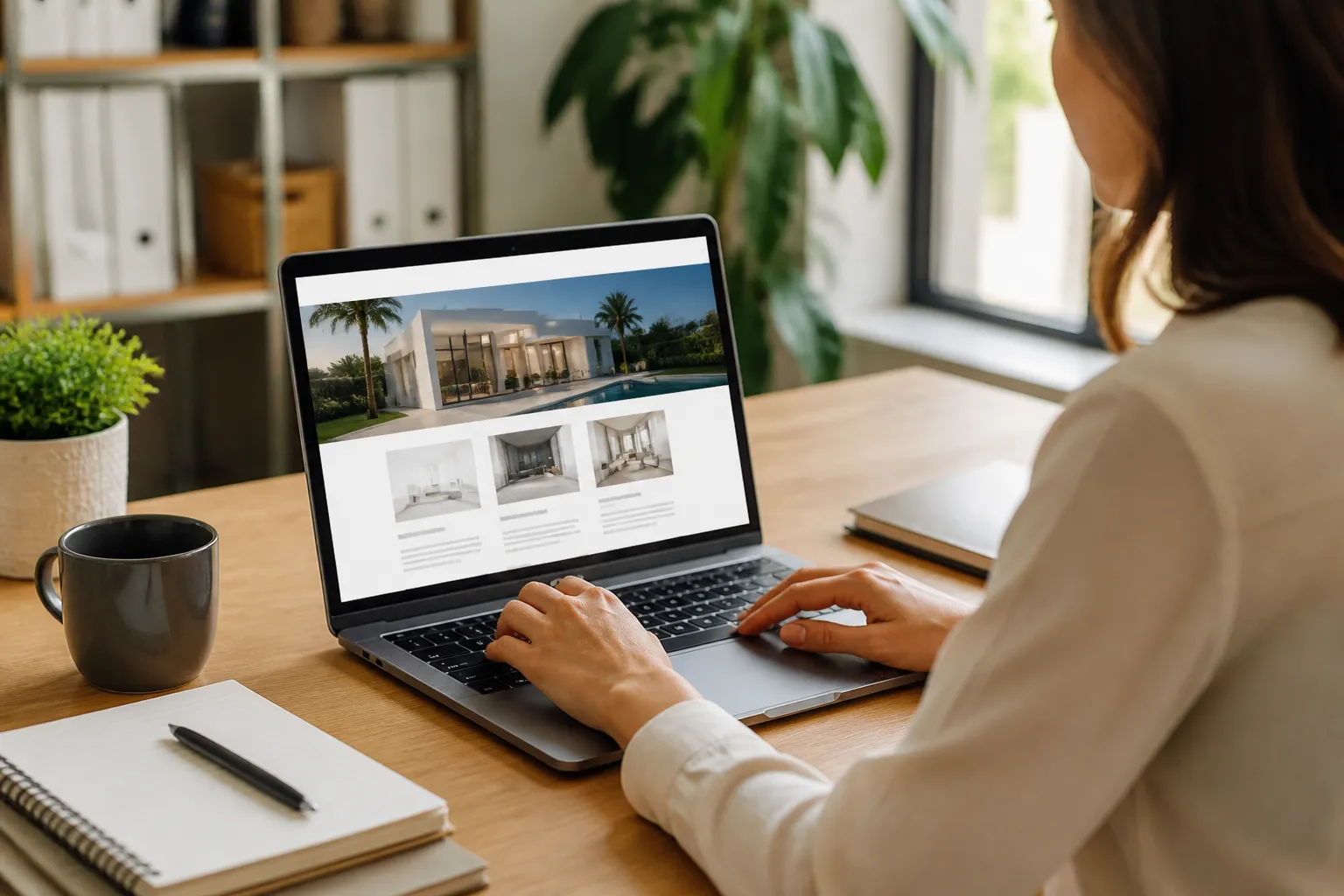
Why Businesses Choose a Turnkey Site
Faster implementation
Building a website from scratch involves selecting hosting, installing software, comparing themes, planning page architecture, configuring plugins, writing content, testing forms, and solving unexpected errors. A prepared solution reduces the number of decisions required at the beginning. You can review a proposed structure, provide brand assets, request appropriate adjustments, and move toward launch with fewer technical obstacles.
Speed matters when a new business needs credibility, when an existing company is replacing an outdated site, or when a campaign has a fixed starting date. However, speed should describe an efficient process, not careless rushing. A quick launch is beneficial only if visitors can navigate the site, understand the offer, use it on mobile devices, and contact or purchase from you without confusion.
Lower initial complexity
A turnkey package provides a defined starting point and may combine design, configuration, and setup into one service. This can be easier to budget than hiring separate specialists for every task. It also reduces the risk of incompatible tools or duplicated work. You still need to examine the agreement carefully, because “package” can mean different things from one provider to another.
Ask whether hosting, domain registration, premium plugins, licenses, copywriting, revisions, training, backups, and support are included. Determine whether you own the website and its content, or whether access depends on a subscription. Transparent ownership terms are particularly important if you later change providers.
Professional consistency
A carefully prepared site creates consistency across typography, color, spacing, buttons, forms, and page hierarchy. This visual discipline makes information easier to scan and helps visitors recognize the business. A consistent interface also simplifies future updates because new pages can follow established patterns instead of being designed independently.
Choosing the Right Package
Start with your primary objective. A brochure site designed to generate consultations has different requirements from an online store, membership community, course platform, publication, or booking service. Write down the actions you want visitors to take. These might include calling, submitting an inquiry, scheduling an appointment, purchasing a product, downloading a resource, or joining an email list.
Next, identify the essential features for that objective. A store may need a payment gateway, tax settings, shipping rules, stock management, order notifications, and product variations. A membership site may require protected content, recurring payments, registration controls, and account management. A booking website may need availability calendars, reminders, deposits, and cancellation policies. Do not pay for complex functionality that your business will not use, but do not select a basic package that cannot support a central operation.

Review examples of the provider’s work, while remembering that a demonstration site may use content and photography unavailable to you. Examine mobile layouts, page loading behavior, navigation, forms, and the clarity of calls to action. A beautiful homepage cannot compensate for weak internal pages or an inconvenient checkout process.
Check the technology choices. A theme should be maintainable and compatible with current WordPress practices. Plugins should have a clear purpose and come from reputable developers. Excessive plugins can increase maintenance demands, create conflicts, and affect performance. Ask how updates are managed and what happens if a plugin becomes unsupported.
Ownership and access
You should receive administrator access, domain control, hosting information where applicable, and copies or access to your content and media. Clarify whether the provider retains control of licenses or restricts changes. If the site uses a proprietary system inside WordPress, ask how portable your data will be if you leave.
Support and maintenance
Launching is only the beginning. WordPress core, themes, and plugins require ongoing attention. A useful support plan may include updates, backups, security monitoring, troubleshooting, and small content changes. It should explain response times, included hours, exclusions, and emergency procedures. Maintenance is not an optional luxury when the website handles customer data, payments, or important business inquiries.
Customization Without Losing Efficiency
Turnkey does not have to mean generic. The most effective customization focuses first on the details visitors notice and the information that affects decisions. Replace demonstration branding with your logo, colors, photographs, and language. Rewrite headings so they describe your actual customer problem and solution. Adjust page order, calls to action, testimonials, service descriptions, and contact methods to match your sales process.
Avoid changing every design element simply because customization is possible. Too many modifications can create inconsistency, increase costs, and undermine the advantages of a prepared framework. A useful method is to separate changes into three levels. Essential changes support accuracy, trust, accessibility, or conversion. Strategic changes improve differentiation and brand fit. Optional changes are aesthetic preferences that can wait until after launch.
Content deserves particular attention. Visitors want to know what you provide, who it is for, why it is credible, and what they should do next. Use specific language instead of broad claims. Explain deliverables, service boundaries, timing, locations, pricing guidance, or qualification requirements where relevant. A clear page with modest design often performs better for users than an elaborate page filled with vague promises.
Images should be relevant, appropriately licensed, and optimized for the web. Large uncompressed files can slow loading, while low-quality or unrelated stock photography can weaken trust. Include meaningful alternative text for informative images, and ensure text remains readable against backgrounds.
Launch Preparation and Quality Checks
Before publishing, review the website as a visitor rather than only as an administrator. Test the main navigation, logo link, buttons, forms, phone numbers, email addresses, social links, search function, and any downloads. Submit forms from different devices and confirm that messages reach the intended recipient. If the site sells products, test the full journey from product selection through confirmation, using the payment provider’s recommended testing process.
Check every important page on phones, tablets, and desktop screens. Look for clipped headings, crowded menus, buttons that are difficult to tap, horizontal scrolling, and images that obscure content. Responsive behavior should be tested at several screen widths because a page that looks acceptable on one phone may fail on another.
Proofread names, prices, opening hours, addresses, policies, and calls to action. Confirm that private draft pages are not publicly linked and that sample text has been removed. Review privacy notices, cookie behavior, forms, and data collection in light of the rules that apply to your organization and audience. For legal interpretation, obtain advice from a qualified professional rather than relying on a generic template.
Set up a backup routine before launch. A backup is useful only if it can be restored, so understand where copies are stored and how restoration works. Record administrator access securely, enable appropriate security measures, and remove unused accounts, plugins, themes, and sample content.
Growing After Launch
A website is an operating tool, not a finished poster. After launch, observe what visitors need and where they encounter difficulty. Analytics can show visits, device categories, referral sources, and selected actions, but numbers require context. A high visit count does not necessarily indicate business success, and a low count may reflect limited promotion rather than poor design.
Create a practical improvement cycle. Keep service information current, publish useful answers to customer questions, repair broken links, update images, and review forms periodically. Ask staff which inquiries repeatedly arrive by email or phone; those questions may reveal missing website content. Gather customer feedback carefully and avoid publishing testimonials without appropriate permission.

Search visibility generally improves when a site provides clear, useful, original information and maintains sound technical foundations. Write descriptive page titles, organize headings logically, use understandable URLs, connect related pages, and describe images accurately. Local businesses should maintain consistent contact details and consider appropriate local profiles. None of these steps guarantees prominent placement, but they make the site easier for people and systems to understand.
Marketing should match your audience and capacity. Email, social media, partnerships, advertising, events, and community participation can all direct suitable visitors to the website. A turnkey site gives those efforts a reliable destination, but it cannot replace a clear offer or sustained communication.
Common Limitations and Risks
The convenience of a prepared site can conceal tradeoffs. Some packages use a narrow template that limits layout changes. Others include monthly fees, locked features, or licenses that disappear when the agreement ends. A low entry price may exclude content, revisions, support, hosting, or essential ecommerce costs. Read the scope before comparing prices.
Another risk is excessive reliance on plugins. Each added extension may introduce settings, updates, compatibility concerns, or security exposure. Select tools because they solve defined problems, not because a feature appears impressive in a demonstration.
Content quality can also become a bottleneck. A polished framework cannot compensate for unclear messaging, weak photography, missing policies, or an inconvenient customer journey. Assign responsibility for supplying and approving content early. If several people review pages, establish one final decision maker to prevent conflicting edits.
Accessibility requires continuous care. Color contrast, keyboard navigation, descriptive links, logical headings, captions, labels, and readable text all matter. A theme may support good practices, but your content and plugin choices can still create barriers. Treat accessibility as part of quality, not as a decorative add-on.
FAQ
Is a turnkey WordPress website suitable for a small business?
Usually, yes, especially when the business needs a professional website but lacks time or technical staff. The package should match the actual goal, whether that is generating inquiries, presenting services, accepting bookings, or selling products. Begin with essential functions and expand after learning how customers use the site.
Can I change the design later?
Most WordPress websites can be edited, but the extent depends on the theme, page builder, custom code, and provider agreement. Ask which changes you can make yourself and whether future edits require paid assistance. Before major changes, create a backup and test them in a safe environment when possible.
Do turnkey websites include hosting and a domain?
Some do, while others provide only the website files and configuration. Domain registration, hosting, email, premium software, and maintenance may be separate charges. Request an itemized description of recurring and one-time costs, including renewal responsibilities.
Will the website guarantee search traffic or sales?
No responsible provider can guarantee those outcomes. A technically sound website can support marketing, usability, and discoverability, but results depend on demand, competition, content, promotion, trust, pricing, and the customer experience. Treat guarantees of specific rankings or revenue with caution.
Can I use WooCommerce with a turnkey site?
WooCommerce can support many online stores, but the setup must account for products, payments, taxes, shipping, inventory, emails, refunds, and security. Confirm that the chosen theme and hosting can handle your intended catalog and that you understand transaction charges and compliance responsibilities.
Who owns the content and website?
Ownership depends on the contract. In many arrangements, you should retain control of your domain, original content, customer data, and website access, but licenses for themes or plugins may have separate terms. Obtain written clarification before approving the project.
How long does launch preparation take?
The schedule varies with page count, customization, content readiness, integrations, feedback speed, and testing requirements. Supplying complete brand assets and clear approvals can reduce delays. A precise promise is difficult without a defined scope, so request milestones rather than relying on a vague deadline.
What should I do if the site breaks?
Contact the responsible provider or hosting support, and avoid making multiple unrecorded changes while troubleshooting. If you have a recent backup, restoration may be possible, but determine the cause before returning to normal operation. A maintenance plan can provide faster assistance and reduce preventable problems.
Conclusion
Turnkey WordPress websites provide a practical starting point for organizations that want to launch with less technical complexity. Their value comes from combining a prepared structure with the flexibility of WordPress, allowing you to focus on accurate content, customer needs, and business development. The best choice is not necessarily the cheapest package or the most elaborate design. It is the solution with clear ownership, appropriate functionality, maintainable technology, dependable support, and room to grow.
Before committing, define your primary goal, list essential features, inspect the agreement, confirm access and costs, and plan for maintenance. Customize the message so visitors understand your offer and next step. Test the complete experience on real devices, protect your data, and continue improving after launch.
Used thoughtfully, a turnkey website is more than a quick digital storefront. It becomes a dependable foundation for communication, lead generation, sales, and long-term credibility. With careful selection and active management, it can help you move online sooner while preserving the control needed for future success.
WP AI Autoblogging Beginners Guide

Best WordPress AI Autoblogging Plugin

WP Learning 101

Free YouTube Backlink Generator Software

Latest Product


